Shape the look of your workspace
Choose a bundled appearance theme or create a new look for the ForShow interface.
Your production desk should be comfortable to use through a whole show. ForShow includes bundled appearance themes and a Theme editor for making the interface feel like your team.
Choose a starting look
The built-in palettes include Midnight Mint, Dusk Violet, and Paper Teal. Switch between them in Appearance. These are themes for the app interface; they do not change the slides or videos seen by your audience.
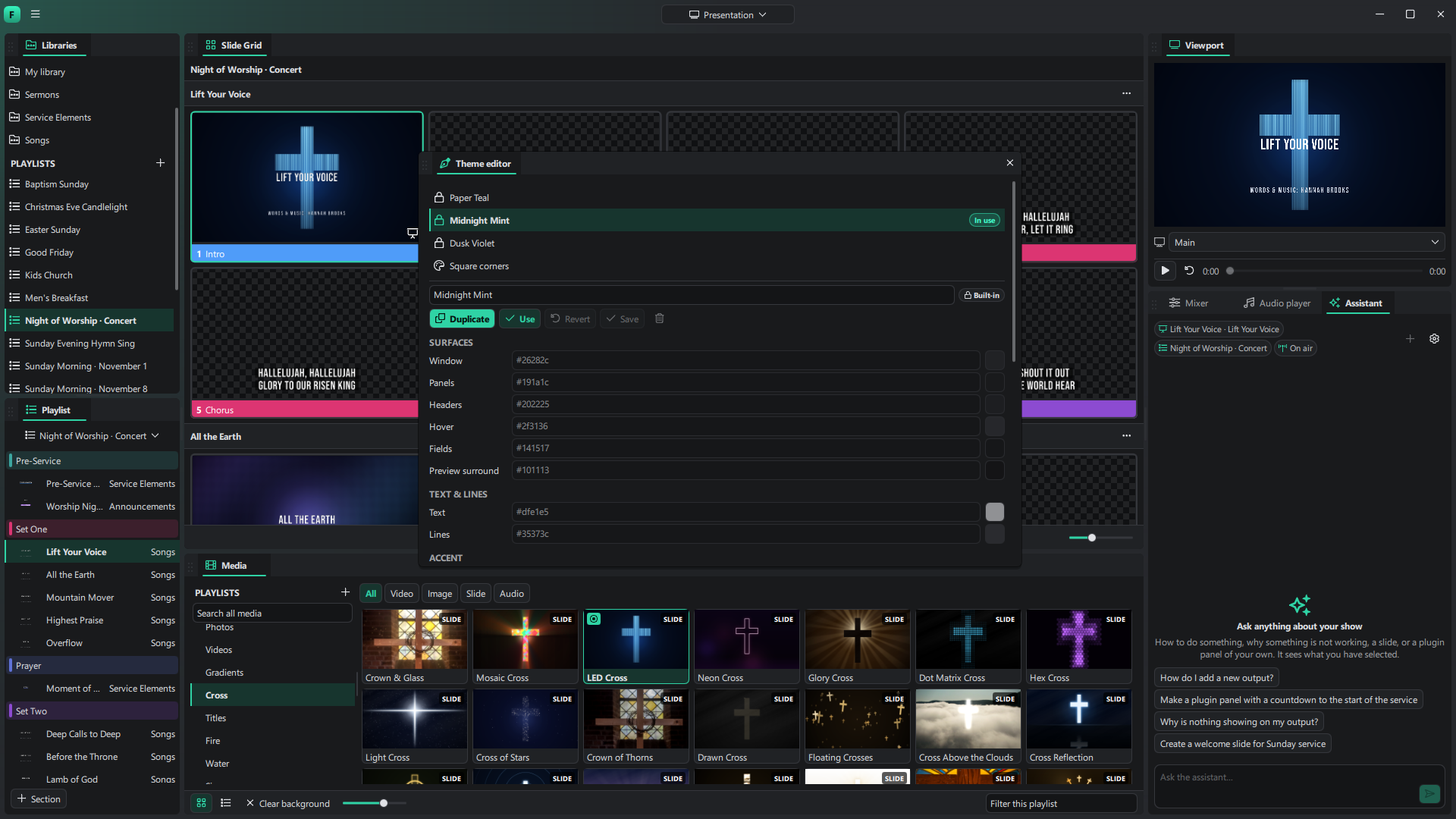
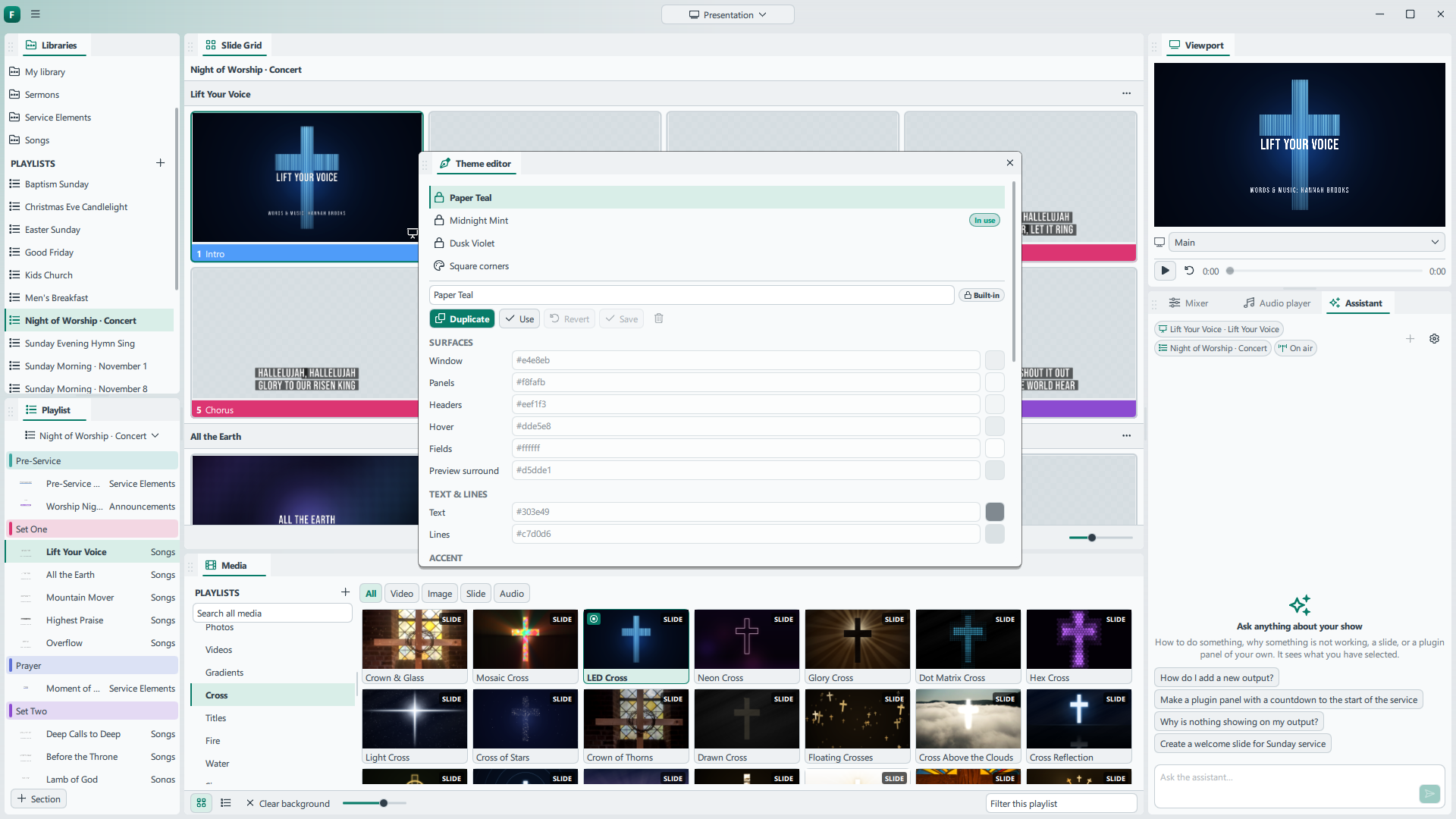
Make one yours
Duplicate a built-in theme to create an editable copy. The Theme editor lets you tune surfaces, text, borders, accent colors, type, spacing, shapes, and menus. Preview changes across the open interface while you work, then save and use your theme.
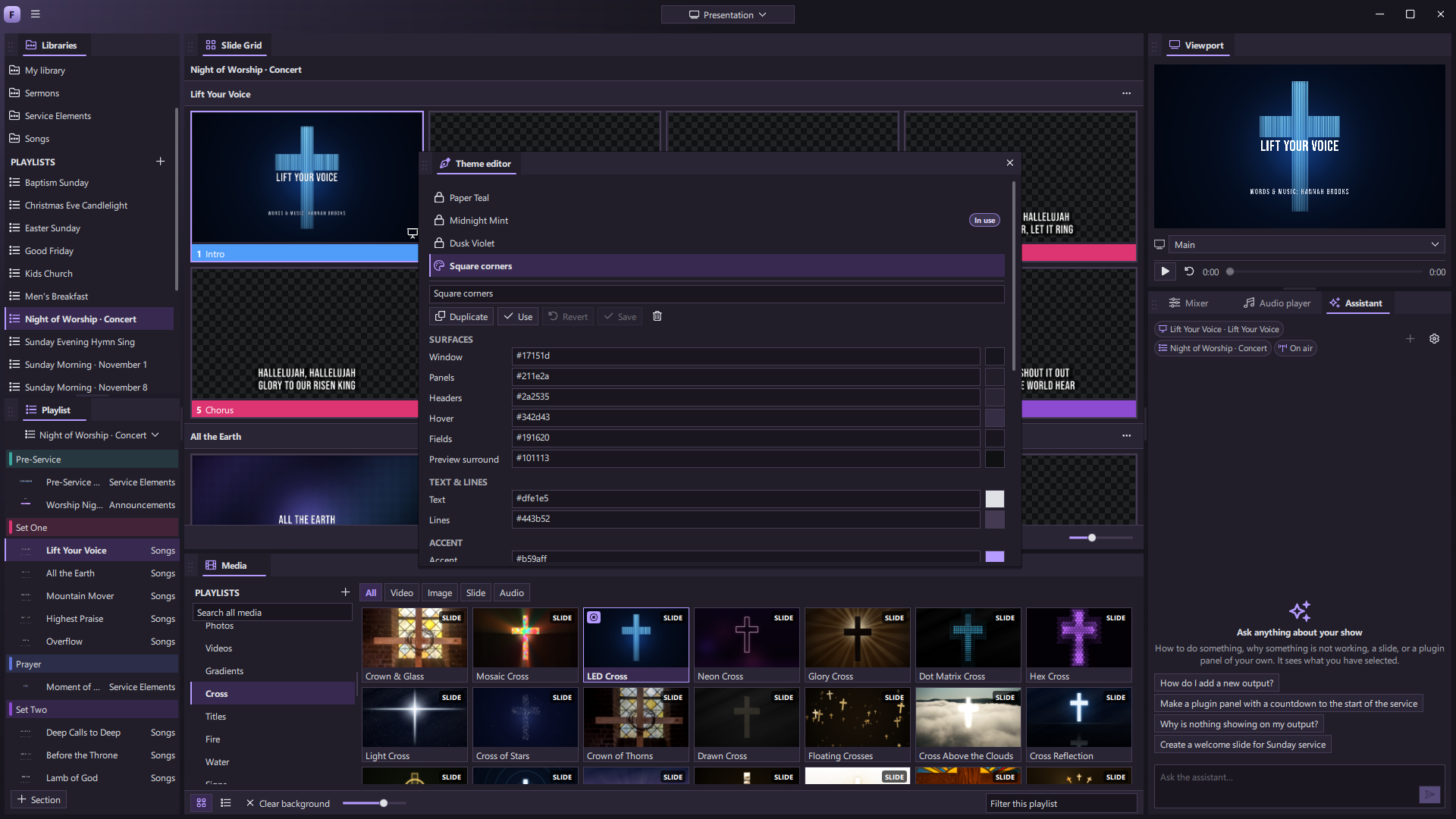
You can keep more than one custom look. A bright desk can help in one room, while a darker palette may suit a control booth. The workspace layout and the appearance theme are separate choices, so each operator can shape both the controls and the look.