Make ForShow your own
Custom layouts, QML panel plugins, live script editing, and the assistant.
A live production team develops its own habits. ForShow starts by letting you shape the desk, then opens the door to tools that are specific to your team.
Shape the workspace
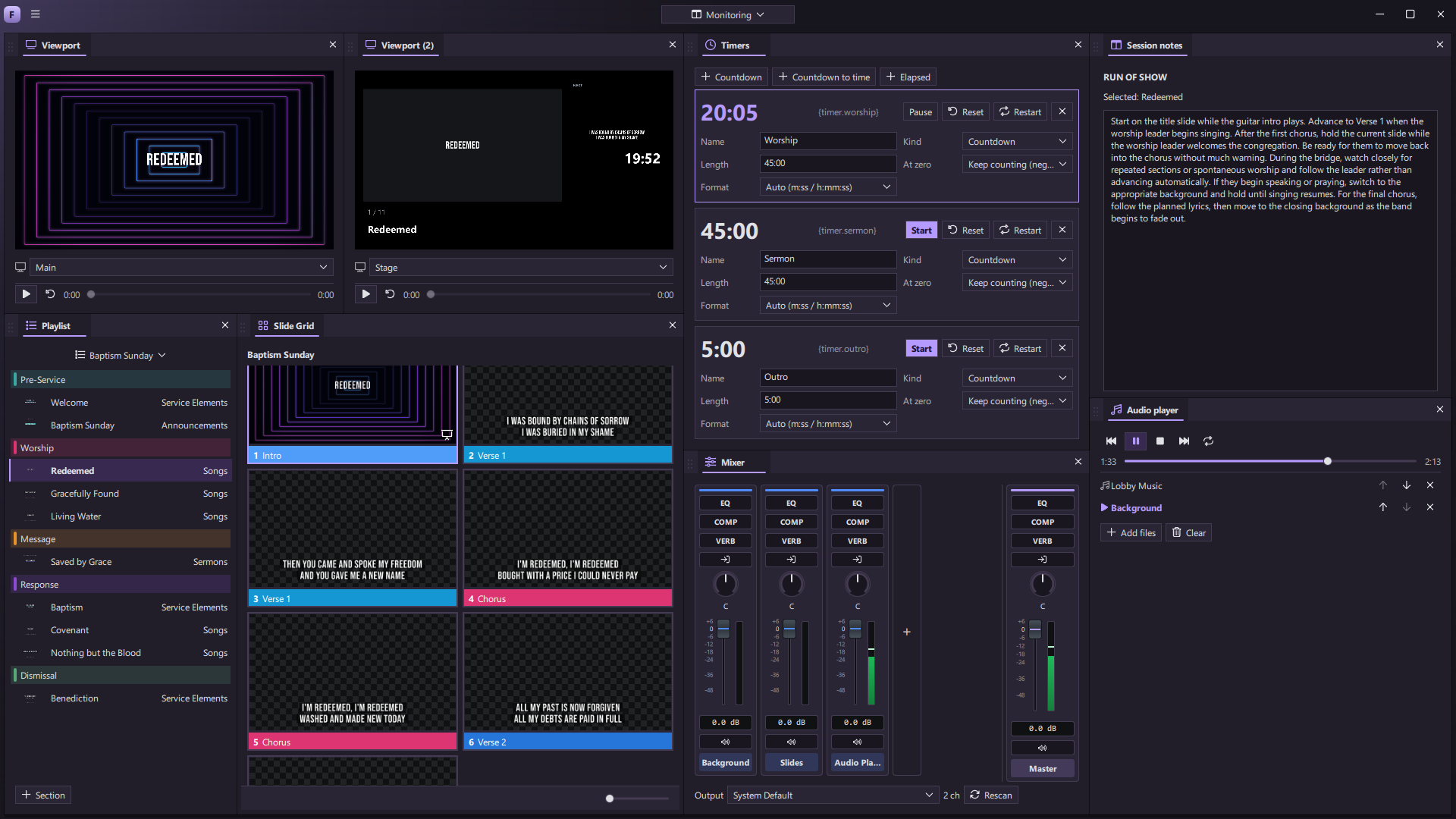
Dock, tab, float, duplicate, or detach panels. Save named layouts for a volunteer, a designer, a broadcast operator, or one person doing all three. The live program remains separate from the workspace you are arranging.
Build a panel
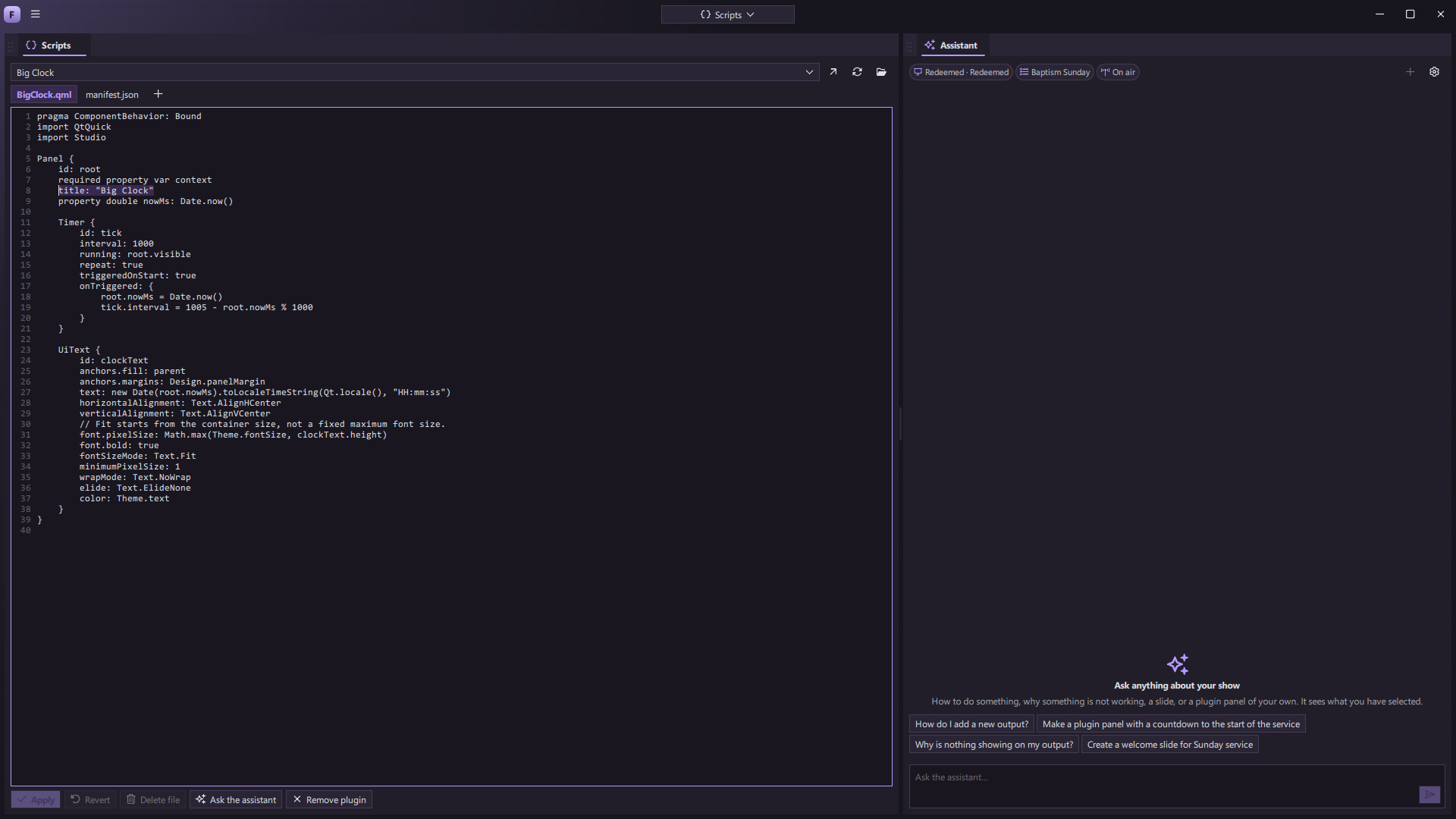
ForShow supports QML panel plugins. A plugin can read the shared app state and use documented commands to act on a show. It docks and uses the same visual system as built-in panels. Example panels include a service clock, output switcher, playlist runner, notes, and a slide outline.
The Scripts panel lets you edit a plugin’s files in the app and reload an open copy. Plugins are trusted local code, so install or run only code you understand and trust.
Ask the assistant
The assistant can answer questions about the current show, help create a slide, or write a plugin panel from a description. A slide it creates arrives as one undoable change; a plugin it writes is checked before it appears in the workspace. Assistant features require a connected chat service and may evolve before launch.
The idea is simple: if you find yourself wishing ForShow had one small tool for your event, you should be able to make it—or describe it—and keep the rest of your production desk intact.